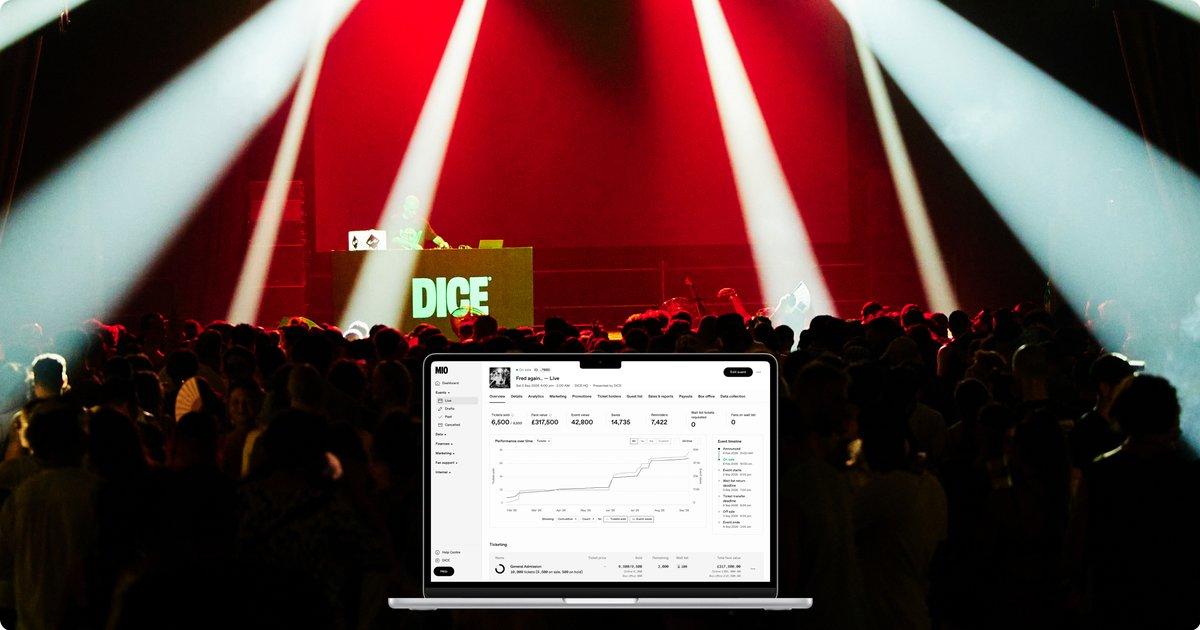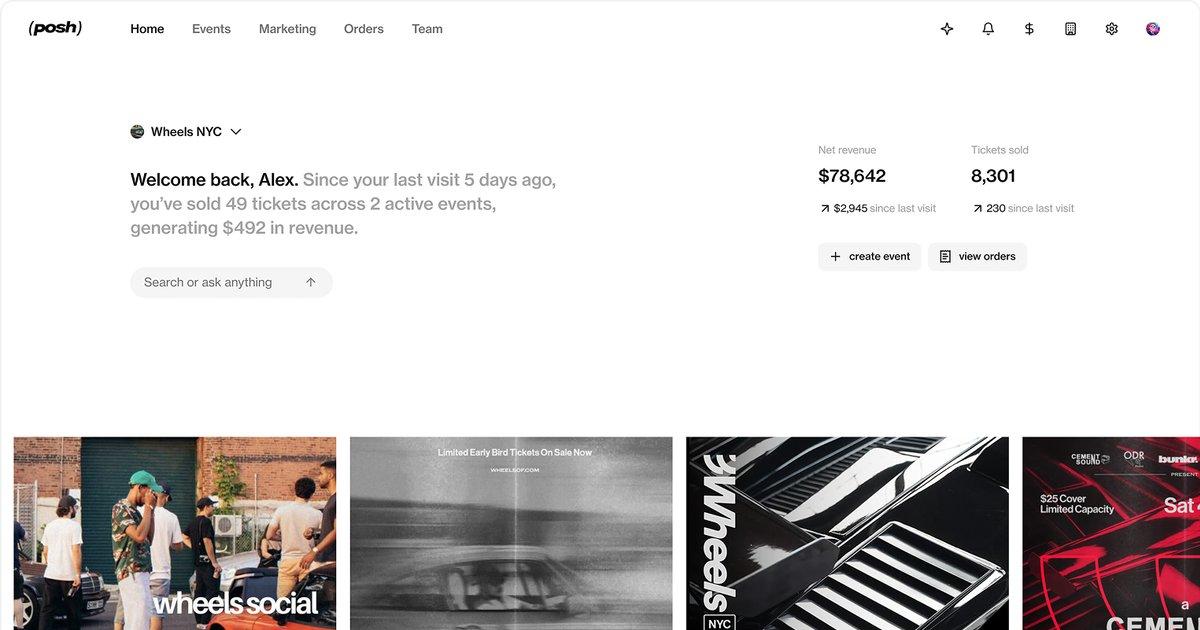
Speakeasy (spkeasy.com) is a ticketing and reservations platform built for nightlife. Fans use the Speakeasy app to find what is happening tonight, buy tickets, book a table or skip the line. Venues and promoters run the other side from Speakeasy's partner tools: events, tables, guest lists, the door, promoter tracking and the guest data that ties it all together.
This guide covers what Speakeasy does for venues, who uses it, how to get set up, and how to handle the money after the night, when the DJ, the promoters and the staff all need to be paid.
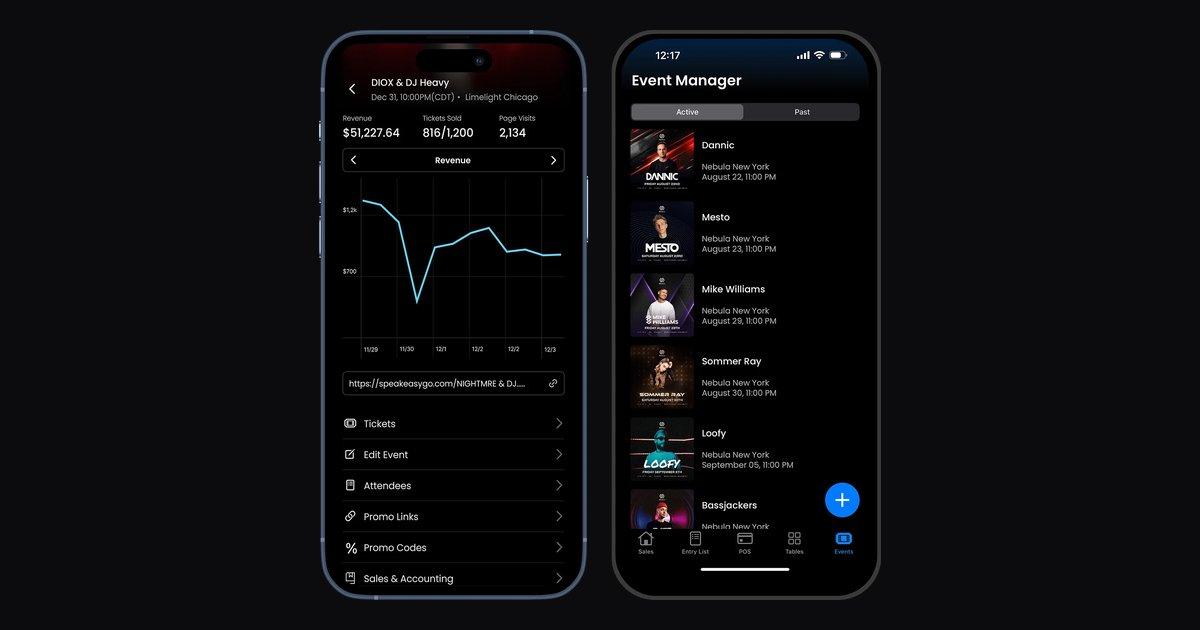
Header image: the Speakeasy Manager app, from spkeasy.com/partner.
What Speakeasy is
Speakeasy was founded by Alex Manavi, Paul Stacek and Tamas An, who met at the University of Chicago, and is based in New York. In July 2026 it raised an $8.8 million round led by Positive Sum, and the company reports 500% growth year over year. Its homepage lists events in Las Vegas, New York, Miami, Philadelphia, Boston, Cleveland, Los Angeles, Utah and Mallorca.
It has two parts:
- The Speakeasy app for guests. Discover events, see live cover prices and wait times, buy tickets and book tables. (App Store)
- Speakeasy Partner for venues and organizers. A web manager and the Speakeasy Manager iPhone app for running events, tables, the guest list and the door.
Who uses Speakeasy
Speakeasy works with nightclubs, lounges, hotel venues, festivals and promoters. Venues it names on its own site include:
- FWD Hospitality Group, which runs venues in several cities and credits Speakeasy with a 75% lift in total sales.
- Good Night John Boy in Chicago, whose GM says door revenue tripled.
- TAO Group Hospitality, which Speakeasy features on its door sales page.
- NOTO in Houston and Philadelphia, which uses guest lists, 3D table booking, the CRM and payments.
- Breakaway Music Festivals, which uses Speakeasy for table sales across its festival dates.
The partner page also shows brands like Resorts World, Cipriani, E11EVEN, Drai's and Fontainebleau.
The Speakeasy features venues use most
Ticketing
Ticket tiers that step up in price as each one sells out, live price changes, memberships and RSVP settings for each tier. Every event gets its own short link, and checkout can carry your own branding. Speakeasy also lists your events on Spotify, Shazam, Bandsintown and Jambase automatically. (spkeasy.com/partner/ticketing)
Tables and VIP
The Reservation Manager shows your floor plan on web and iPhone. Guests can book tables from a 3D map, and you can send pay links, set minimum spend agreements, and charge a card on file for a no-show or for spending past the minimum. (spkeasy.com/partner)
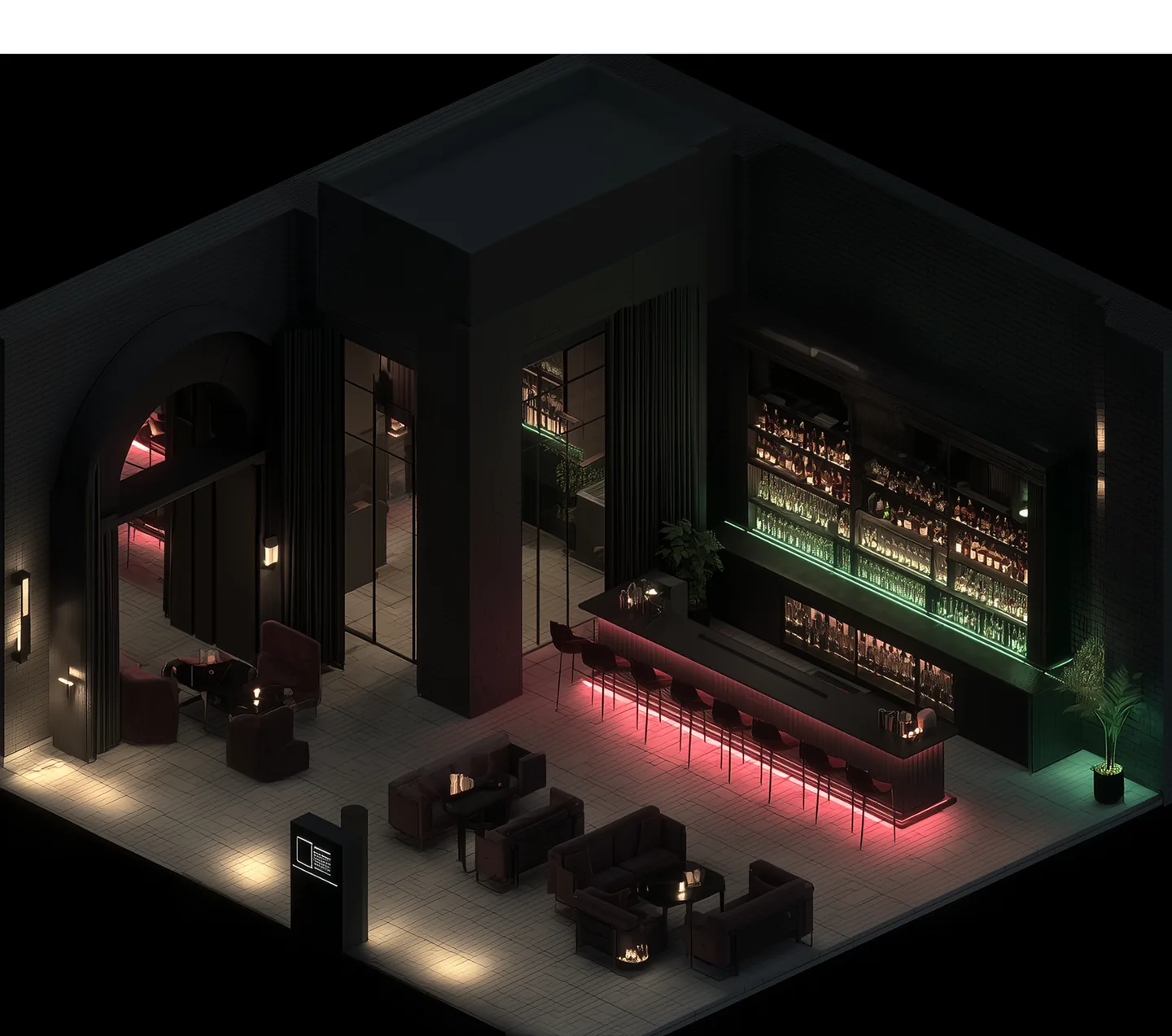
Image: Speakeasy 3D table booking, from spkeasy.com/partner.
Guest list
Guests RSVP with their name, Instagram, birthday, zip code and email, so the guest list doubles as a contact list. You can upload names in bulk from a CSV. (spkeasy.com/partner/guest-list)
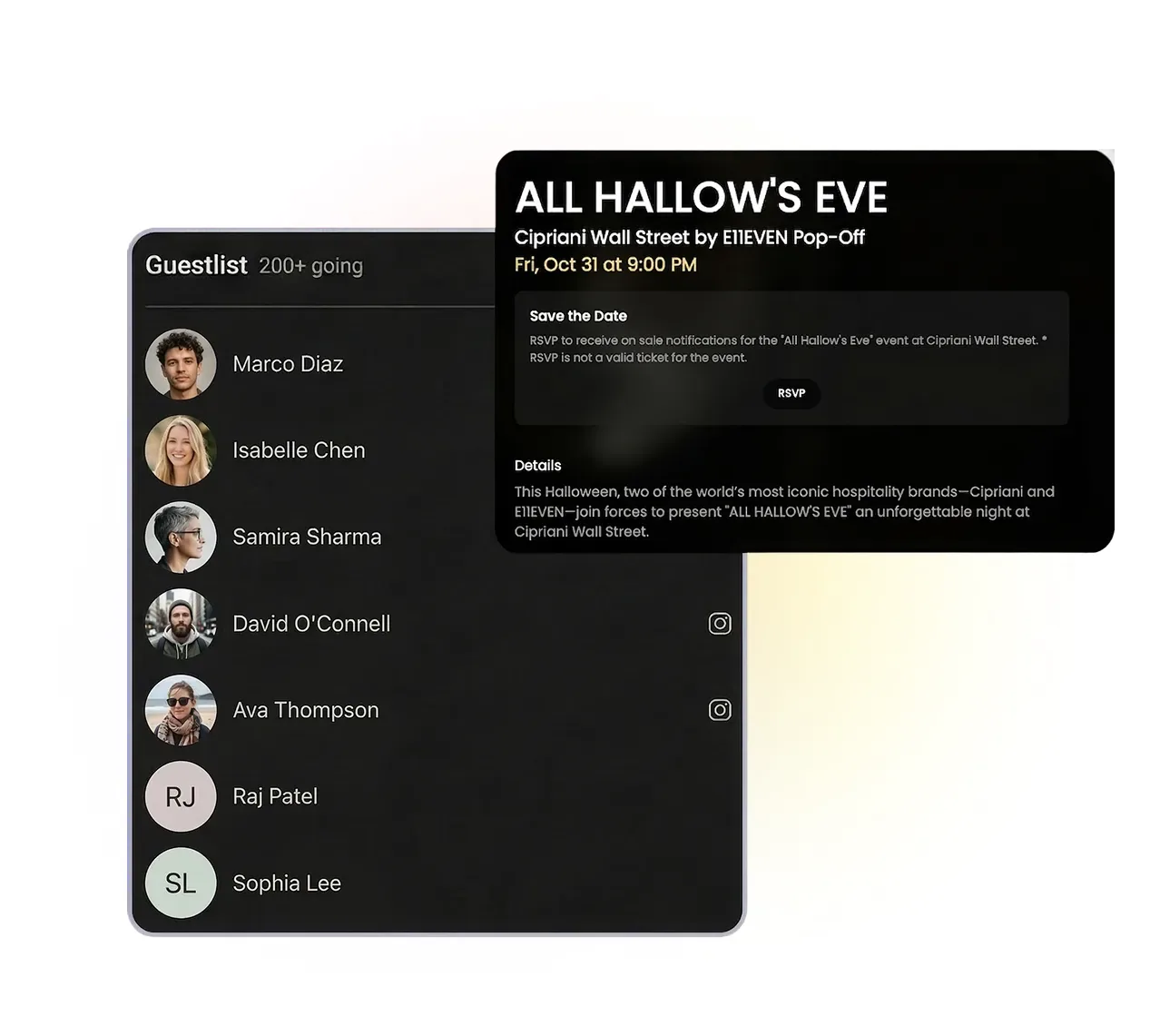
Image: the Speakeasy guest list, from spkeasy.com/partner/guest-list.
Door
The door manager scans tickets, takes tap-to-pay payments, changes cover prices as the night goes, and issues refunds in seconds. It also keeps a live count of guests coming through the door. (spkeasy.com/partner/at-door)
Promoters
Each promoter gets promo codes, tracking links and their own pages, so you can see exactly what every promoter sold. Promoters can create links for their own sub-promoters too.
Guest data and marketing
A CRM that tracks each guest's visits and lifetime spend, with SMS, email and WhatsApp campaigns, Klaviyo and Laylo integrations, and Meta, TikTok and Google pixels.
Reporting
Sales by day, by week and in total, unique guests against total orders, average order value and guest demographics. Sales reports can run on an accrual basis or by transaction date, and daily sales emails can go to people outside your team, such as an owner or an investor. (Speakeasy product update, October 2026)
How to get started on Speakeasy
New partners get set up by the Speakeasy team. Here is the path, based on its public pages:
- Book a call from spkeasy.com/partner. Speakeasy says onboarding takes under 24 hours.
- Log in to the web manager or the Speakeasy Manager app once your account is active.
- Create the event with its ticket tiers, any custom fees, FAQs and checkout questions, and set the short link.
- Set up tables on your floor plan with prices and minimums.
- Add promoters with their promo codes and tracking links, and load your guest list.
- Promote it. Distribution to Spotify, Bandsintown and the others happens on its own. Send SMS or email campaigns to past guests.
- Run the night from the Manager app: scan tickets, sell at the door and seat tables.
- Review the reports the next morning.
What Speakeasy costs
Speakeasy advertises a flat $1 ticket fee with no fixed costs, and card processing at a rate it will price-match. Fees can be passed on to the buyer, and venues can add their own fees on top. Subscription pricing is set with each partner, so ask your Speakeasy rep for a quote. (spkeasy.com/partner)
After the night: paying the people behind it
Speakeasy covers everything from the first ticket sold to the last guest out, and its reports give you a clean view of what each night brought in. The other side of the night is what it cost: the DJ's fee, the host and the promoters you pay directly, the bottle runner, the security company, the photographer, and the liquor and decor invoices that show up days later.
Cleo Pay handles that side for venues and promoters:
- One onboarding link for every payee. DJs, promoters and staff fill in a W-9 with a signature and add their bank account. Cleo Pay checks the name and tax ID against the IRS.
- Invoices in from a photo. Snap a vendor's invoice and Cleo Pay reads the vendor, amounts and line items.
- Approvals that match your team. Bills over a set amount go to the right person before they are paid. On Growth and above, approvals can have several steps.
- Bank transfers, one at a time or in bulk. Same-day payments are available on Growth and Max.
- 1099-NEC forms at year end. On Growth and Max, Cleo Pay prepares the forms from what you paid and e-files them with the IRS. For payments made in 2026, the threshold is $2,000 (what changed).
- QuickBooks Online sync. Bills and payments land in your books with the right categories, so they can sit next to Speakeasy's sales report for the same night.
If you report Speakeasy sales on an accrual basis, record each night's costs against the same date. That is how you get a real P&L for each night. Our guide to closing an event P&L faster walks through it.
Speakeasy night checklist
- Event created with tiers, custom fees and short link
- Tables placed on the floor plan with minimums
- Promoter codes and tracking links sent
- Guest list loaded and SMS campaign scheduled
- Door staff logged in to the Manager app
- DJ, promoter and staff W-9s and bank details collected
- Vendor invoices approved and paid
- Night's costs recorded against the same date as the sales report