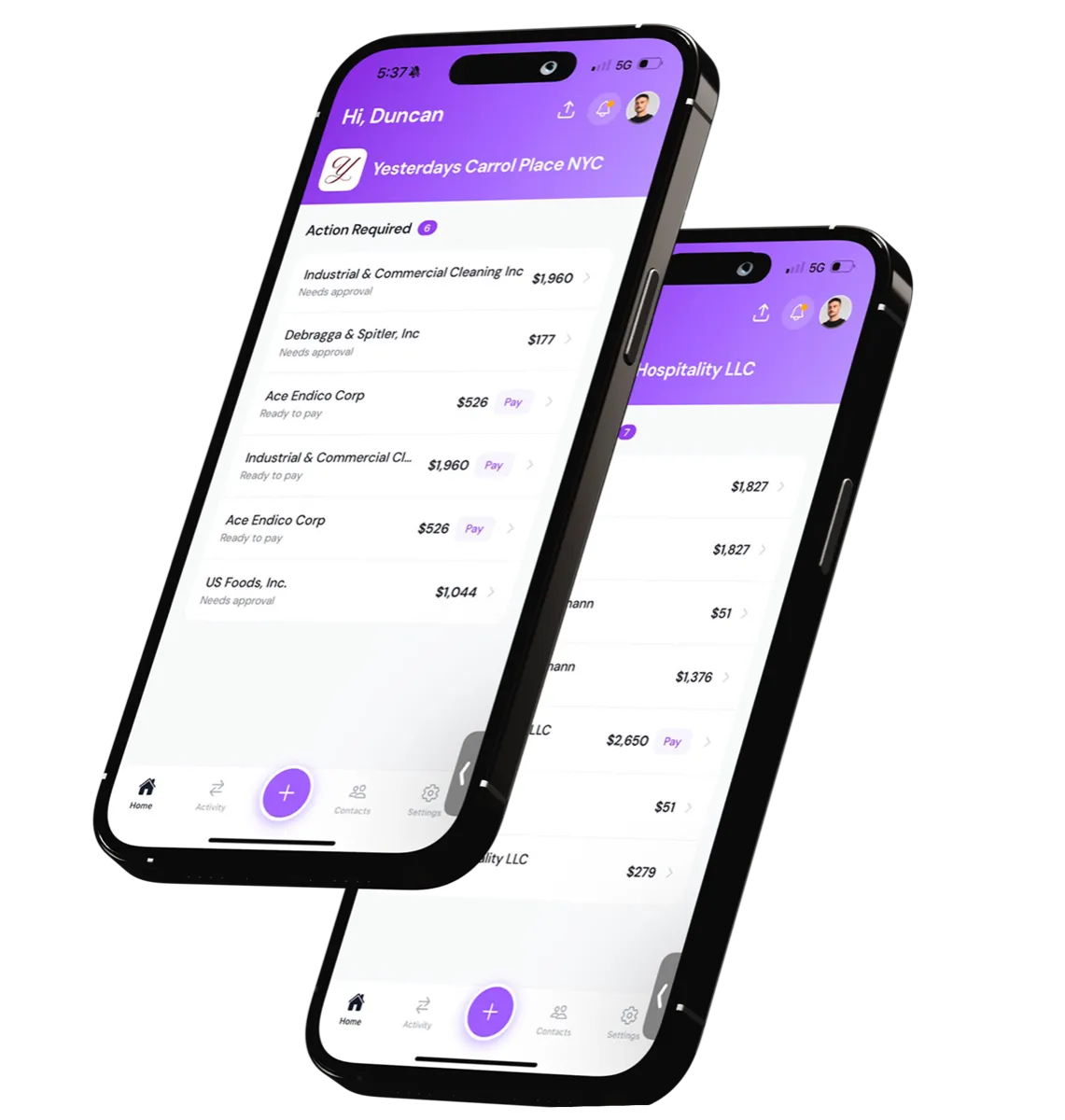
Financial AI for businesses built on vendors, crews, and contractors.
Cleo is the financial manager you never had to hire. It pays your vendors, gets you paid, and runs team cards. Then it keeps you on budget, catches duplicates, and breaks down every cost, from W-9 to 1099.






















Built for businesses that run on
vendors, crews and contractors.
Event producers, venues, studios and advisory firms pay the people
they depend on with Cleo. Hear it from them.
See Cleo in action.
From invoice received
to vendor paid
One platform runs the whole cycle: scanning, approvals, payments,
and books. Teams save 20+ hours a week on average.

Snap an invoice. Cleo
reads, codes, and routes it.
Forward an email or upload a photo. AI extracts the vendor, amount, and line items, then maps every expense to your QuickBooks chart of accounts. No typing, no copy-paste.
“I stopped typing invoices into QuickBooks entirely.
Cleo reads them better than I did.”

Onboard a vendor with one link.
Send a link. Vendors complete their W-9 and add their bank by signing in to it or by entering their routing and account numbers, then they are ready to receive ACH payments.
“W-9 collection used to be a nightmare. Now vendors
onboard themselves before they even walk in.”

Right people, right amounts.
Set custom approval chains for invoices and payments based on amount, GL code, or vendor. Approvers get notified, one-click approve from email or mobile.
“Approvals route themselves. The right person sees
the right invoice without me chasing anyone.”

Pay vendors by ACH, same day on Growth and up.
Pay any vendor by ACH directly from the Cleo dashboard: standard ACH at no extra fee, or same-day on Growth and higher plans. Track every transfer through Scheduled, Processing, Paid, or Error.
“Cleo streamlined all of our vendor payments, so we
close out events and finalize our P&L faster.”


Two-way QuickBooks sync.
Two-way sync with QuickBooks keeps your books accurate without manual entry. Bills, vendors, GL accounts, and payments, all in lockstep.
“Our books are reconciled by Monday morning.
What used to take a week now takes a weekend.”

Create and send invoices in seconds.
Generate a unique link or QR code. Embed it on your site or text it directly. Customers pay by bank (ACH) and the funds settle into your account.
“I send an invoice in seconds and the money lands
without me chasing a single client.”

Get paid with a single link.
Generate a payment link for any invoice and share it via text, email, or QR code. Customers tap, pay, and you're reconciled: no follow-ups, no copy-pasting bank details.
“One universal platform, so easy even a DJ can use it.
I just text a link and get paid.”
Built for
operators
Cleo has been able to streamline all of our vendor payments, enabling us to close out events and finalize our P&L faster.
See Cleo Pay working
in your business