
Get paid faster with invoices that elevate your brand.
Create stunning, professional invoices. Share payment links by email or text. Let customers pay by bank instead of by card.
Why Cleo Pay
Everything you need to invoice, collect, and grow
Beautiful Invoices That Elevate Your Brand
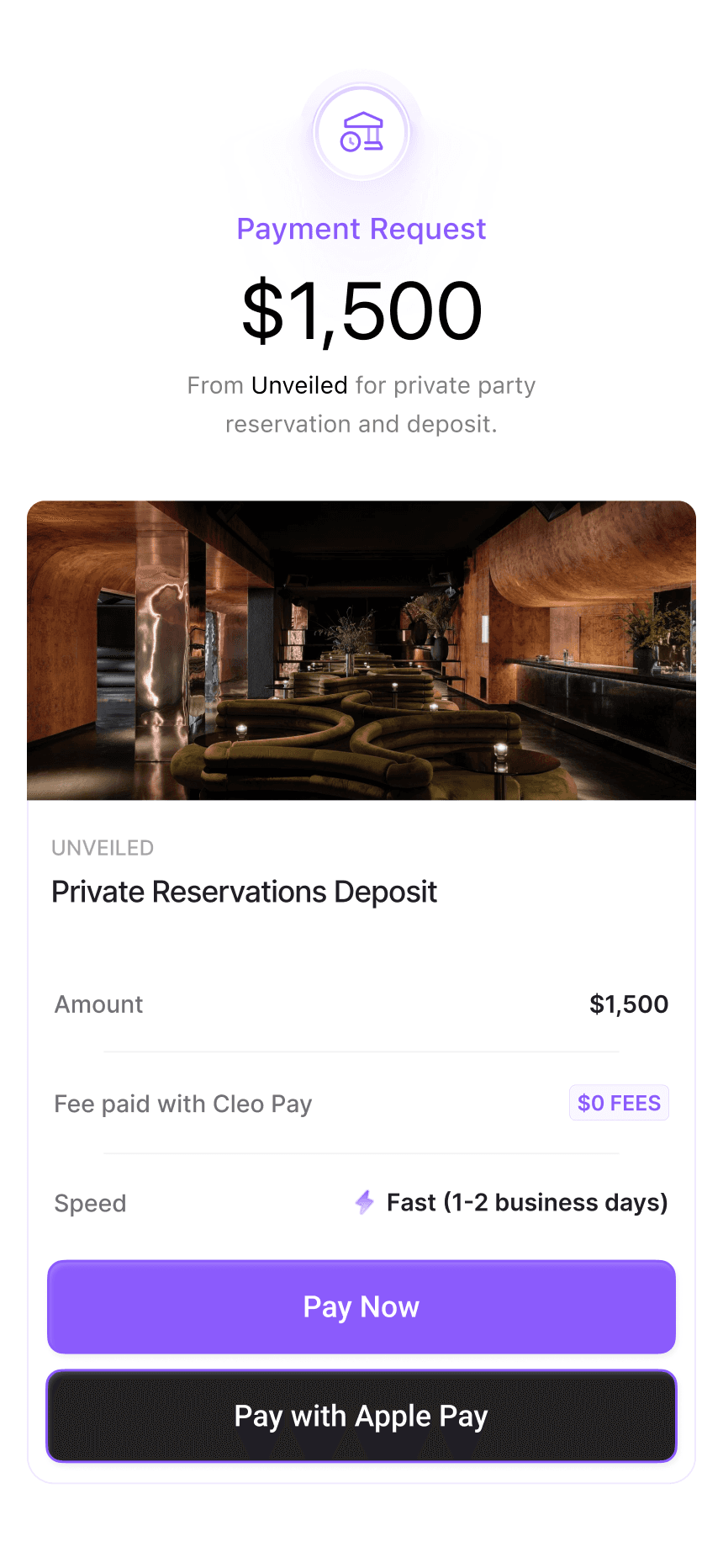
Your invoices are the first thing customers see. Make them count. Add your logo, brand colors, and custom messaging. Create a checkout experience that feels premium, professional, and uniquely yours.
Pay by Bank
Bank Transfer (ACH)Customers add their bank by signing in to it or by entering their routing and account numbers. Funds move by ACH, with no card network in between.
Shareable Payment Links
Faster CheckoutsGenerate a unique payment link for every invoice. Share via email, text, or embed it anywhere. Customers pay in two clicks.
Ditch Credit Card Fees
Save ThousandsStop paying 2.9% + 30c on every card transaction. Customers pay by bank, and incoming payments are unlimited on every plan.
Save Templates & Product Libraries
Time SaverSave invoice templates and product/service libraries so you can create and send invoices in seconds, not minutes.
How it works
From invoice to paid in four simple steps
Send. Click. Connect. Paid. It really is that simple.
You send an invoice
Create a professional, branded invoice in seconds. Add line items, set terms, and send it with a unique payment link your customer can use right away.
Customer clicks to pay
Your customer opens the link and sees a clean, branded payment page. They select 'Pay by Bank' to pay straight from their bank account.
Key stepConnect their bank
Your customer adds their bank by signing in to it or by entering their routing and account numbers.
Done. You're paid.
Funds transfer by ACH. You both get a confirmation. Your dashboard and QuickBooks update automatically. That's it.
Save thousands by skipping the card networks
Every credit card transaction costs you 2.9% + 30c. On a $10,000 invoice, that is $320 gone. With Cleo Pay, customers pay by bank, so there is no card fee.
How much are card fees costing you?
*Cleo Pay plans start at $55 per seat a month. Incoming payments are unlimited on every plan.
Shareable invoice links
Beautiful invoice pages your customers will actually want to pay
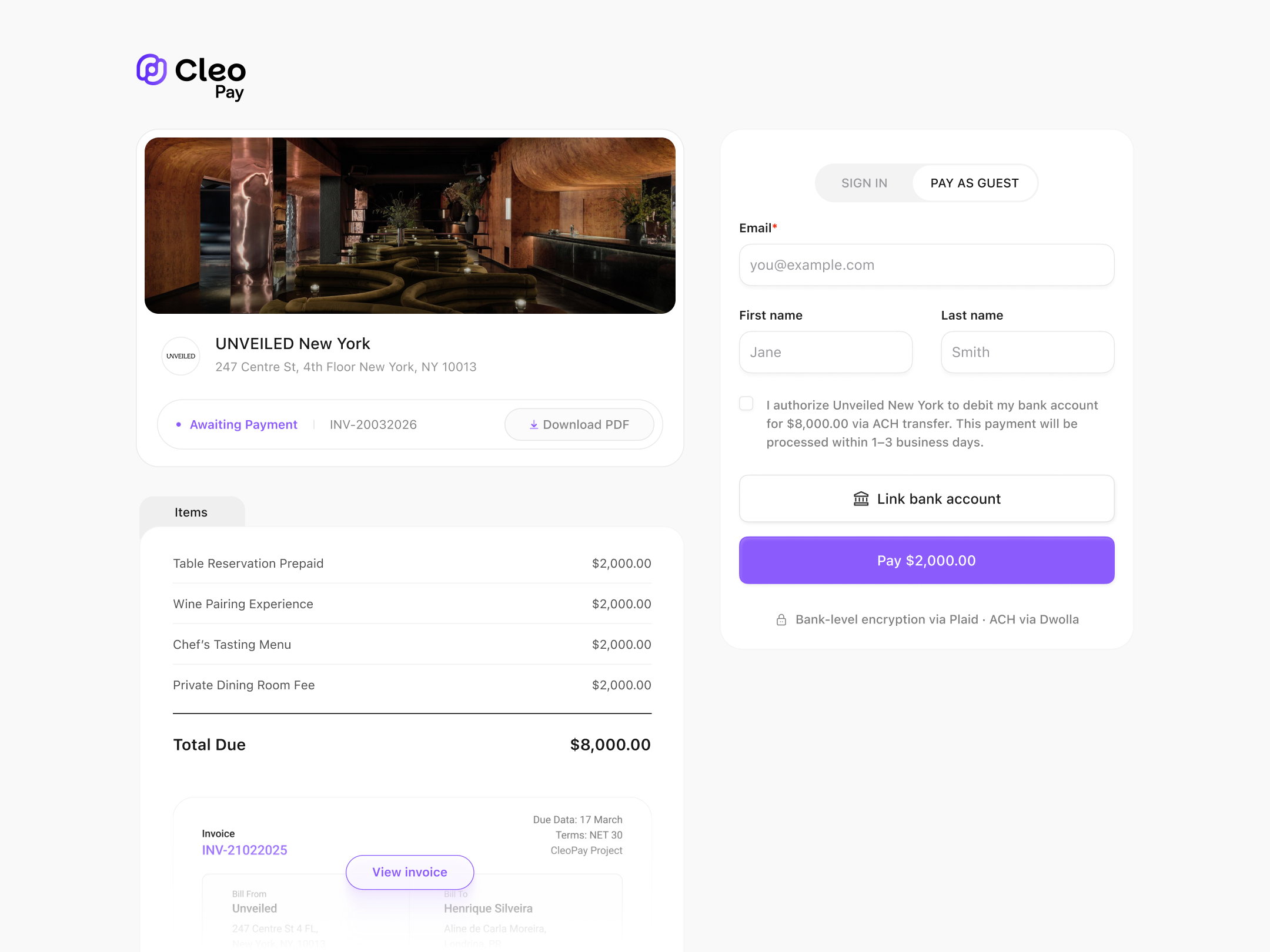
I authorize UNVEILED New York to debit my bank account for $8,000.00 via ACH transfer.
Pay by bank · ACH transfer
Branded payment pages
Your logo, your colors. Customers see a professional page that builds trust.
Guest checkout
No account creation required. Customers click, pay, and they are done.
PDF download
Customers can download a PDF copy of the invoice for their own records.
And a whole lot more
Built for modern businesses
Revenue Analytics
Track revenue, outstanding invoices, and payment trends from a single dashboard. Know your numbers at a glance.
Client Management
Store customer details, view payment history, and manage outstanding balances. Everything you need in one place.
Auto Reminders
Set it and forget it. Payment reminders go out automatically before, on, and after due dates with direct pay links included.
ACH Status Tracking
Customer payments move by standard ACH, and every settlement is tracked in your dashboard as it updates.
Everything you need to get paid. Nothing you don't.
Accounts Receivable that feels native to how you already run payments in Cleo Pay.

Send Proposals
Send a proposal before the work starts, from the same place you invoice.

Instant Invoicing
Create and send invoices in seconds. No templates. No spreadsheets.

Pay by bank
Customers pay by bank (ACH) straight from the invoice link.

Cash flow at a glance
See what’s owed, what’s paid, and what’s pending in one view.

AR plus AP, together
Track money coming in and money going out in the same system.

QuickBooks Sync
Two way sync keeps your books clean automatically.

Multi location support
Manage invoicing across locations, brands, or properties effortlessly.
The experience
From payment to confirmation
Your customers pay. You both get a confirmation. No manual reconciliation.
Payment confirmations
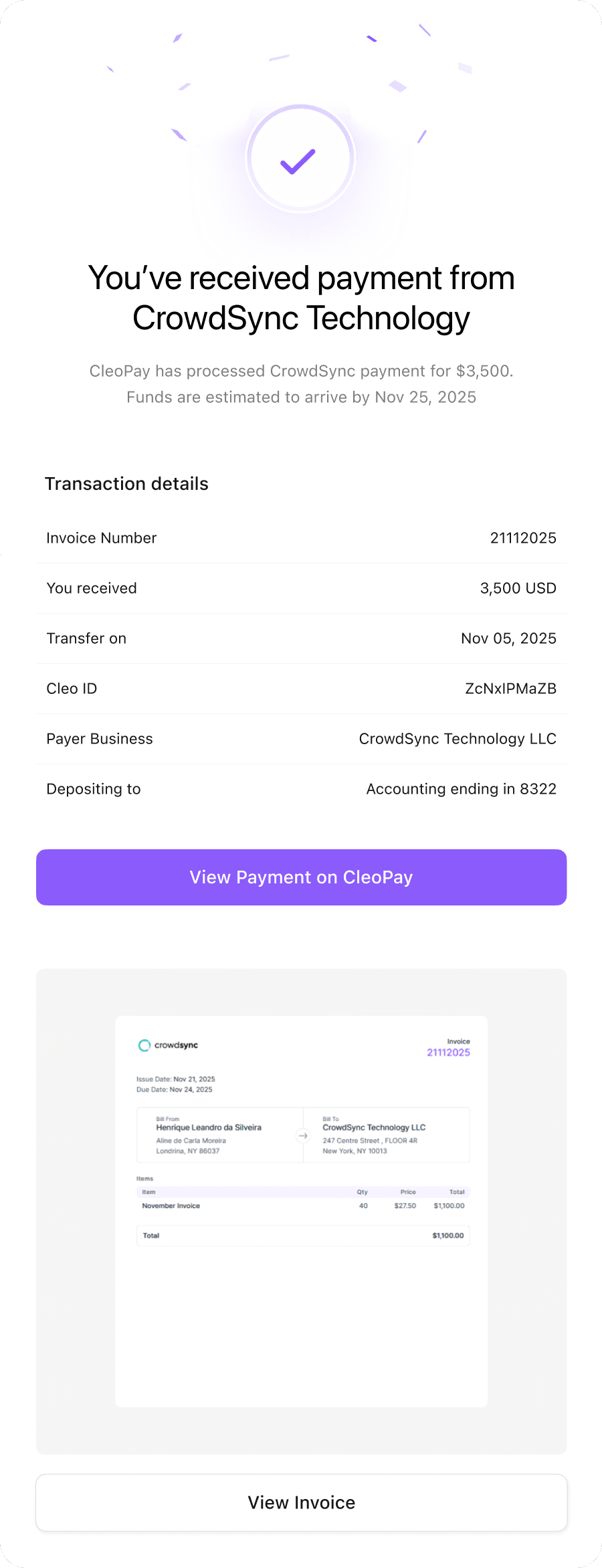
When a payment is received, both you and your customer get a confirmation email.
Status in your dashboard
See each payment's status in your dashboard as it updates. No wondering if it went through.
Automatic receipts
Customers receive a professional receipt with payment details and invoice reference automatically.
See Accounts Receivable in Action
Book a walkthrough and see how Cleo Pay helps you send invoices, collect payments, and skip card fees.
Cleo Payments
Cleo Pay Platform Demo
Reserve a time that works best for you, and get a personalized walkthrough tailored to your business.
Pick a timeOpens our booking page on Cal.com
FAQ
Common questions about Accounts Receivable
Ready to get paid faster?
Create invoices, skip card fees, and get paid by bank, all inside Cleo Pay.