

Hospitality
Hospitality Payments
Streamline accounts payable for restaurants, bars, and hotel groups with automated invoice processing.
Learn moreTravel Vault is the workspace built for travel agents. Sign in to Cleo Pay and you're already inside, with client cards and traveler profiles right where you need them.
Client cards · Traveler profiles · Every reveal logged
We help travel agencies migrating from Canary Technology get set up quickly. Tell us about your agency and we will be in touch.
The problem
Most agencies have no idea how exposed their client card data really is.
Client cards stored in Google Sheets, shared email threads, and text messages, copied wherever someone needed them.
Phone calls and email threads every time a booking needs a card, a passport number, or a loyalty ID.
When a client disputes a charge, you have no record of who accessed their card, when, or why.
How it works
From onboarding to booking: no spreadsheets, no shared logins.
Travel Vault is your team's home screen inside Cleo Pay. Sign in and you're already in the workspace, no module-switching, no separate tool to learn. Add agents with individual logins. No shared passwords, ever.
Clients submit cards once through a branded request link. Cards stay masked, so your team is not handling full numbers day to day.
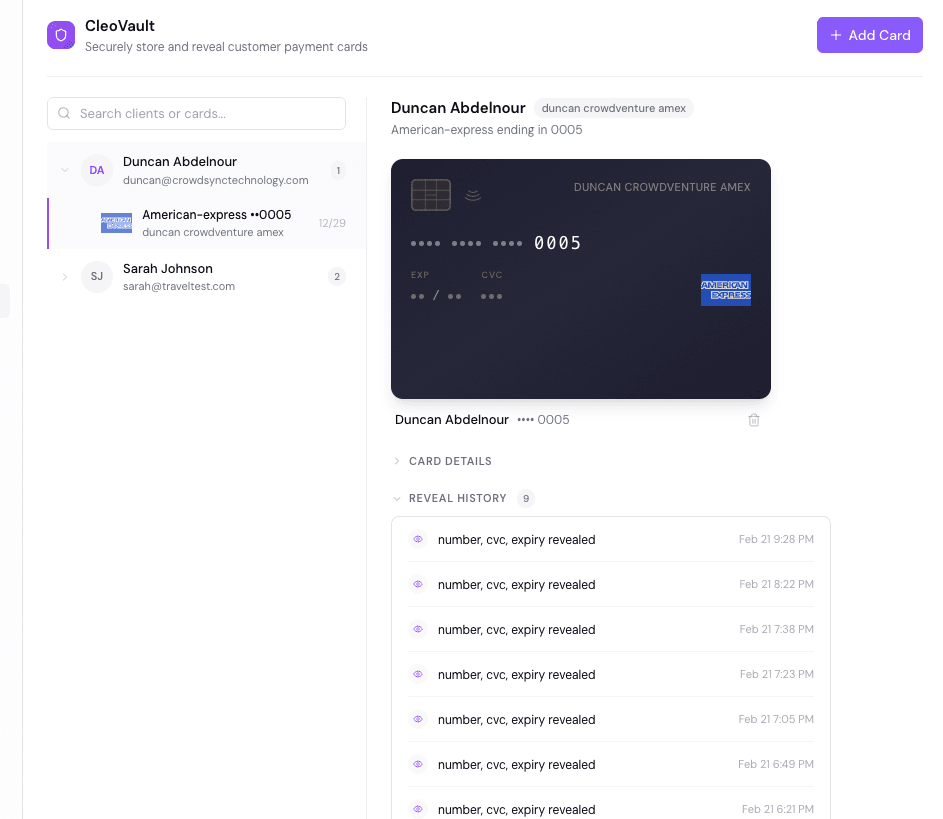
Agents reveal stored cards when a booking needs them. Every reveal is logged with a timestamp and user identity.
Watch how Travel Vault gives travel agents one place to see every vendor payment, booking, and commission.
How it looks
From card collection to agent access to per-trip virtual cards.
Send clients a branded request link by email or text. They enter their card details once, and the card lands in your vault.
Stored cards are masked by default. Agents click to reveal when processing a booking. Every reveal is logged with a timestamp, agent identity, and reason. A complete audit trail.
Issue virtual cards on behalf of clients for specific trips. Each card is tied to a booking so spend is tracked by itinerary. Temporary cards expire automatically.
Access
Collect cards through branded request links, scope each client to the agents assigned to them, and log every reveal.
Features
Travel Vault is your team's default workspace. Sign in to Cleo Pay and you're already inside, no module-switching, no tabs to find. Vault is on by default for travel agencies.
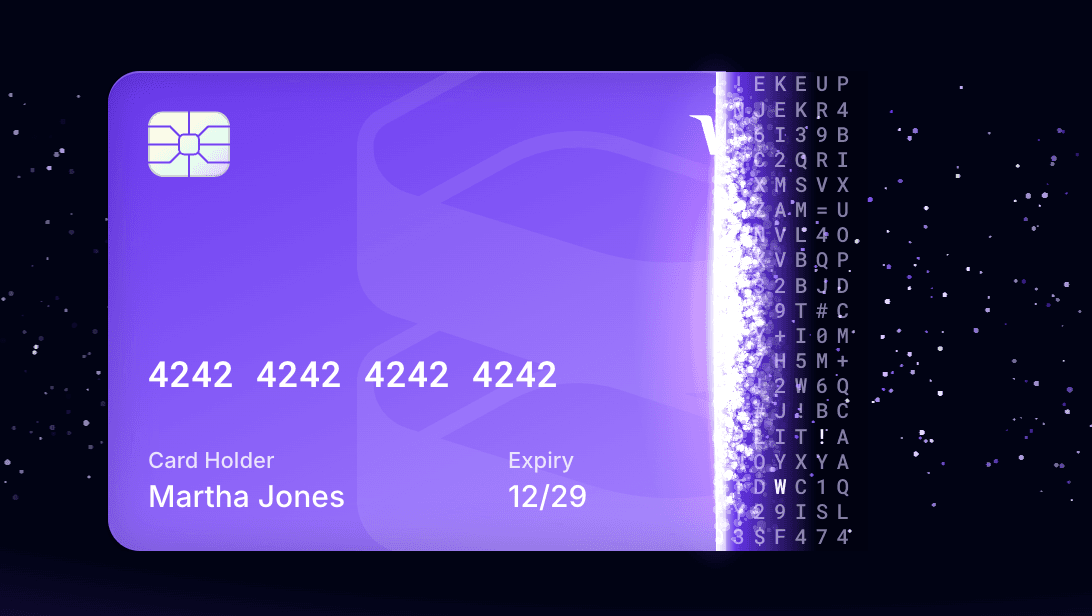
Cards stay masked in the workspace. Agents click to reveal when a booking needs the number, and every reveal is logged.
Passport numbers, loyalty programs, seat preferences, and emergency contacts. All in one place.
Every card access timestamped and attributed. See exactly who opened a card and when.
Individual logins for every agent. Siloed permissions so agents only see what they need.
Issue virtual cards on behalf of clients for specific trips. Each card is tied to a booking so spend is tracked by itinerary. Temporary cards expire automatically.
FAQ
Explore More
Streamline accounts payable for restaurants, bars, and hotel groups with automated invoice processing.
Learn more
Automate accounts payable for concert halls, nightclubs, and entertainment venues.
Learn more
Manage vendor payments for large-scale events, festivals, and production companies effortlessly.
Learn more
How Posh Partners leverages Cleo Pay to offer seamless payment solutions to event producers.
Learn moreSee a Demo
A 30-minute walkthrough tailored to how your team handles client card data today.
30 minutes. No commitment.
Schedule a Walkthrough