Posh is the ticketing app a lot of party promoters, nightlife brands and community organizers grew up on. It started with founders throwing their own events, and it shows: the tools are built around how a promoter actually sells a room, which is through friends, through a street team, and through the group chat.
This guide covers how to set up and sell an event on Posh, how Kickback turns your promoters into a sales team, how payouts work, and what to do after the event when the DJ, the photographer and the door staff all need to get paid.
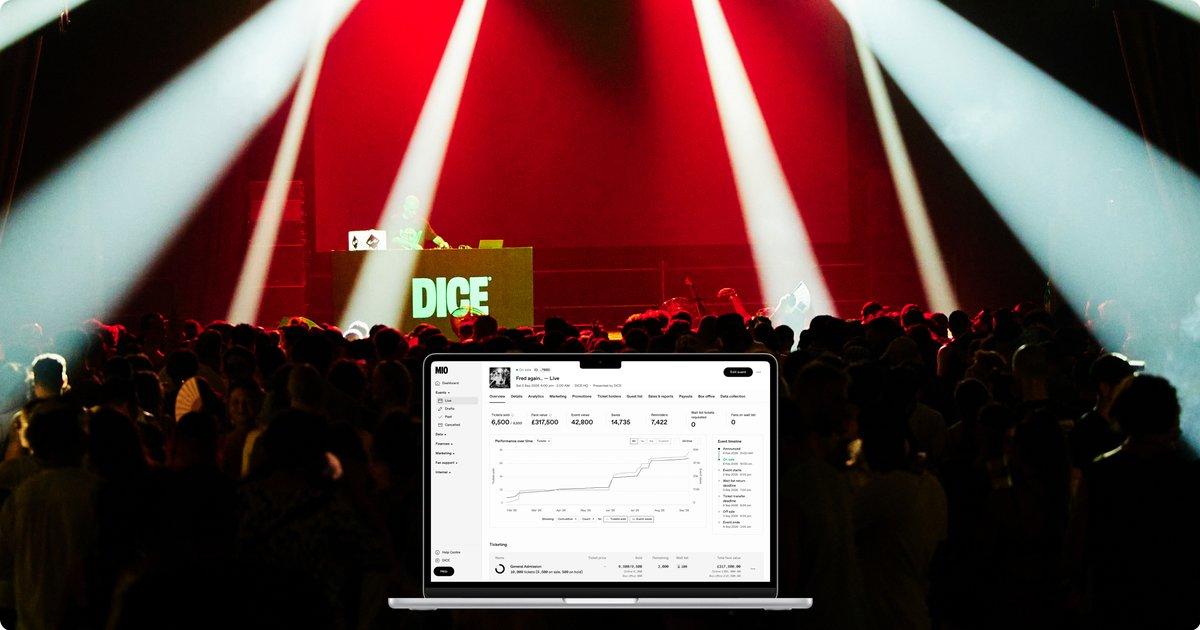
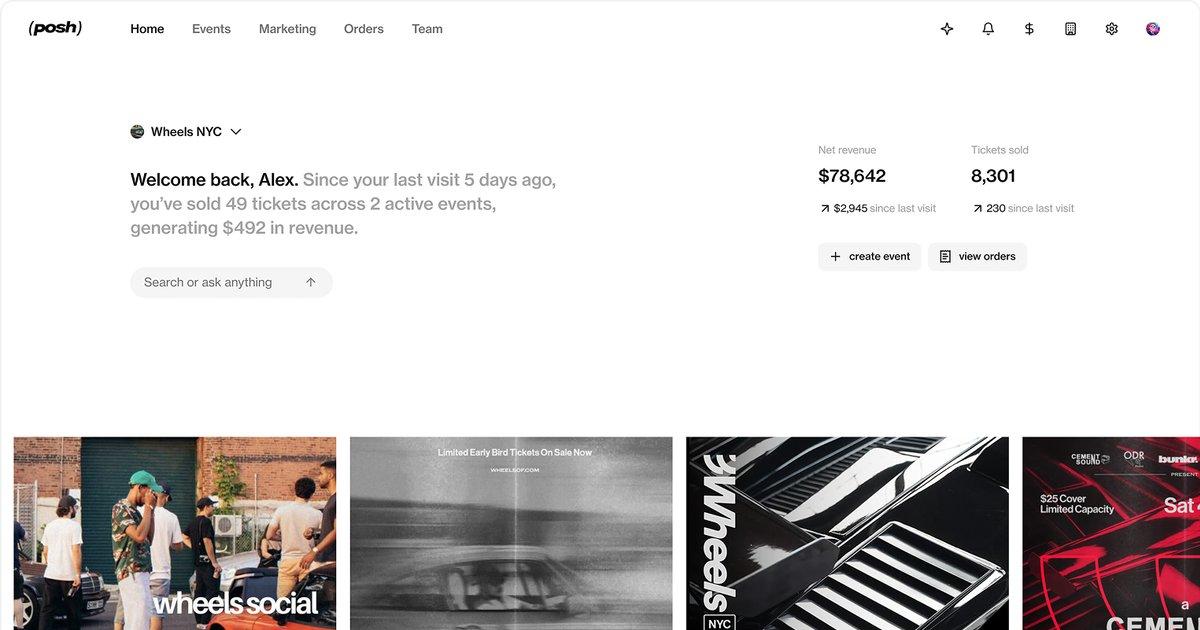
Header image: the Posh organizer dashboard, from posh.vip/platform.
Who uses Posh
Posh says it has helped more than 50,000 organizers earn over $500 million. The events range from club nights and festivals to run clubs, supper clubs, fashion shows and college parties. A few organizers Posh features on its platform page:
- Rose Gold, a New York nightlife brand Posh lists with 570 events and weekly parties across several cities.
- We Belong Here, a festival brand with more than 60,000 attendees on Posh.
- Halfdays, a Denver fitness community with 276 events.
- Palm Tree Crew, the team behind Palm Tree Music Festival, which has its own organizer page on Posh.
The common thread: these are organizers who build a following and sell to it again and again. Posh's tools are designed for that.
The Posh features promoters use most
- Event pages built for social. Flyers, GIFs, a 9:16 video, the lineup and a Spotify artist block on one page. You can keep the address hidden until event day. (Posh support)
- Ticket tiers with real control. Sales windows, quantity limits, hidden or password tiers, in-person-only tiers and grouped tiers like "VIP Packages." (Posh support)
- RSVP and approval-only events. Hold every request in a pending list and approve the guests you want.
- Tables and bottle service. Drop tables onto your floor plan with their own price and capacity. (Posh support)
- Kickback. Give promoters and fans a referral link and pay them a commission on what they sell. More on this below.
- SMS blasts. Text your attendees directly from Posh. Event-level texts are unlimited until three days after the event. (Posh support)
- Explore. Turn on "Show on Explore" and your event appears in Posh's discovery feed, where people browse for something to do.
- Team roles. Owner, Admin, Host and Doorperson, so a door volunteer never sees your payouts. (Posh support)
- Paylinks. Single-use payment links for bottle packages, sponsor tables and vendor booth fees. (Posh support)
- Integrations. Sync attendees to Mailchimp, add ad pixels, and send order data to your own tools with webhooks. (Posh support)
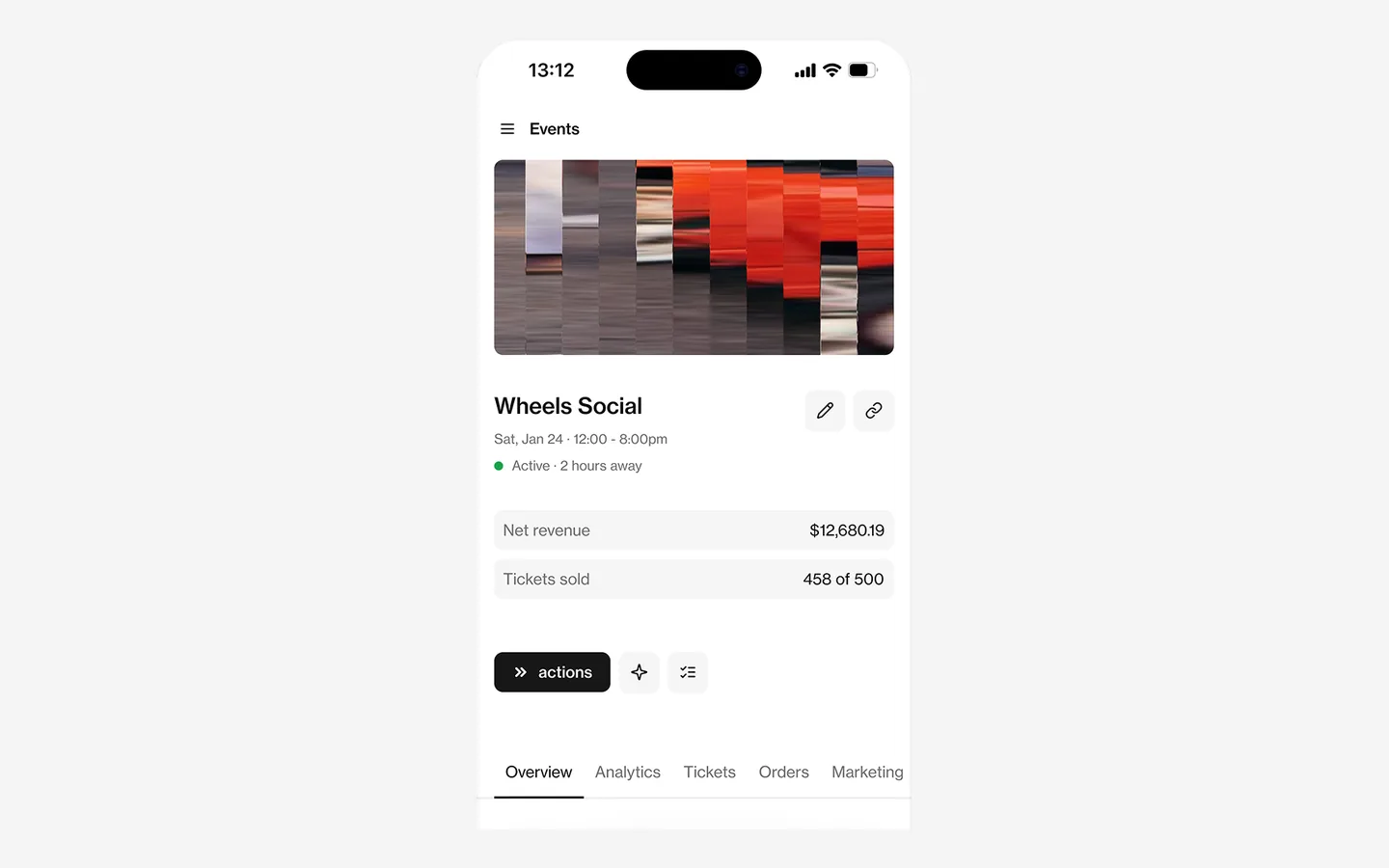
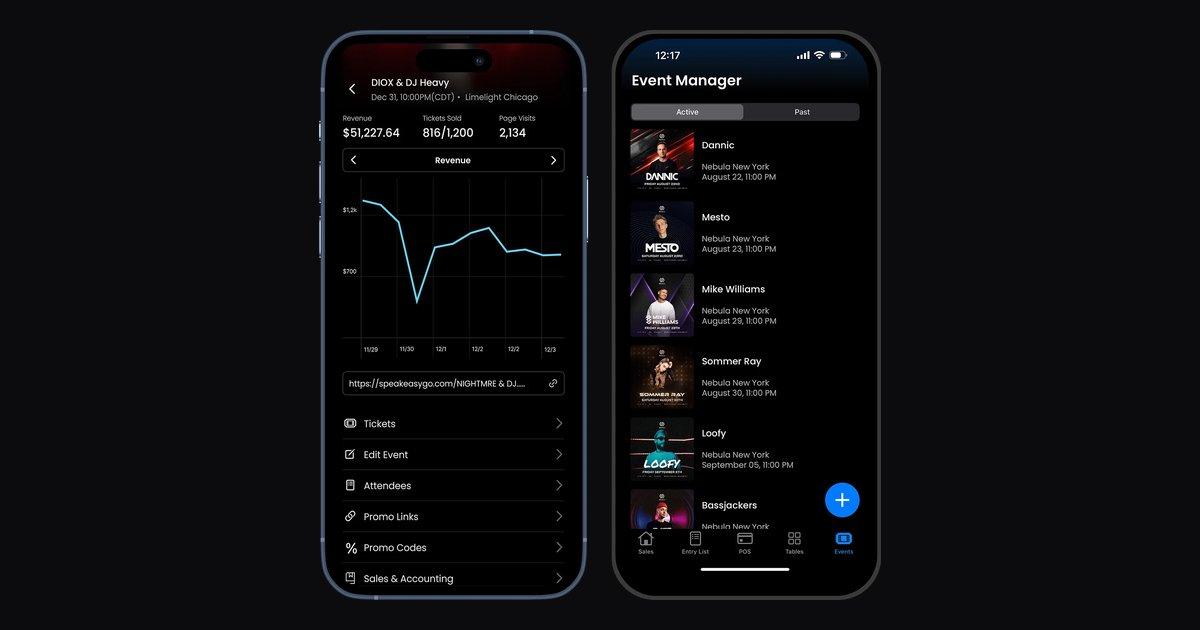
Image: the Posh mobile app, from posh.vip/platform.
How to sell tickets on Posh, step by step
Posh University has a guide called Your First 50 that covers how to sell out a first event. Here is the setup and selling plan, combined with the steps from Posh's support docs.
1. Create the event
Click "Create event," pick your organization, and fill in the details. Location is required even for a draft. Add your flyer and lineup.
2. Connect Stripe so you can get paid
Posh pays out through Stripe, so finish Stripe onboarding before you go live.
3. Pick a room you can fill
Posh's advice for a first event is a 50 to 100 person room: "A sold-out 80-cap room beats a half-filled 200 every time." A sold-out first night makes the second one easier to sell.
4. Set three price tiers
The Your First 50 guide suggests early bird for about 30% of tickets, general admission for 50 to 60%, and a higher at-the-door price for the last 10 to 20%. With a $30 base price that looks like $20, $30 and $40. Rising prices give people a reason to buy now.
5. Publish and turn on Explore
Switch on "Show on Explore" so new people can find you, then publish from the event overview.
6. Sell to your own people first
In week one, Posh suggests texting 75 to 100 people one by one, with a goal of 30 sales. Personal messages convert better than a post.
7. Bring in promoters with Kickback
In week two, invite three to five promoters as Kickback affiliates at a 10% to 15% commission. Give every channel its own tracking link so you can see which one sells.
8. Keep posting, then text everyone
Post on a schedule in the weeks before the event, go daily in the final week, and send an SMS blast close to the date.
9. Run the door
Door staff can check guests in with a shared scanner PIN, no login needed, or with their own Doorperson login. Posh also takes payments at the door. (Posh support)
10. Text your attendees about the next one
The people who came are the easiest people to sell to next time. Posh keeps them in your attendee list.
How Kickback works
Kickback is Posh's affiliate program, and it is the feature promoters talk about most. You create an offer, either public for any buyer or private for invited affiliates, with a commission as a percentage or a flat amount, per ticket or per order. Each affiliate gets a link, and the dashboard shows their visits, tickets sold and commission. (Posh support)
A few details that matter for your margin:
- Commissions come out of your ticket revenue.
- Posh takes a fee from each commission (Posh support).
- Affiliates connect a debit card through Stripe to get paid, and a commission is voided if the ticket is refunded.
- Kickback works on paid events only.
How Posh payouts work
From Posh's payout docs, as of November 2026:
- You choose manual payouts (the default) or daily payouts.
- Standard payouts are free and arrive by ACH in 3 to 5 business days.
- Instant payouts cost 5% and usually land in seconds. They unlock after $2,000 in total sales on Posh.
- New sales take 24 to 48 hours to become available to pay out.
Posh adds its fee on top of your ticket price, so the buyer pays it. Posh University lists the fee as 10% plus $0.99 per paid ticket. Tables carry a flat $5 fee. Every event also has a CSV report that breaks out each order's subtotal, Posh fee, processing fee, discounts and refunds (Posh support).
After the party: paying everyone who wasn't on Kickback
Kickback pays your affiliates. But most nights also have people you pay directly: the headliner and the opener, the photographer, the videographer, door staff, a security company, the sound rental, the decor vendor and the venue's bar minimum. Those payments happen outside Posh, often over Venmo or Zelle, and that is how a promoter ends up in January with no W-9s and a pile of payments nobody can explain.
Cleo Pay handles that side. Here is how Posh promoters use it:
- One link for every DJ and crew member. They fill in a W-9 with a signature and add the bank account they want paid into. Cleo Pay checks the name and tax ID against the IRS.
- Pay from your phone. Approve and pay bills from the Cleo Pay iPhone app the night after the event, by bank transfer.
- Snap the invoice. Take a photo of a vendor's invoice and Cleo Pay reads the amounts and line items for you.
- 1099s done at year end. On Growth and Max, Cleo Pay prepares 1099-NEC forms from what you paid and e-files them with the IRS. For payments made in 2026, the threshold is $2,000 (what changed).
- Your books stay clean. Payments sync to QuickBooks Online with the right categories, so each event's costs sit next to its Posh revenue.
Posh event checklist
- Stripe onboarding finished
- Room size picked that you can sell out
- Early bird, general and door tiers set
- Show on Explore turned on
- Kickback offer and tracking links sent to promoters
- SMS blast scheduled for the final week
- Door staff set up with a scanner PIN or Doorperson login
- DJ, artist and crew W-9s and bank details collected
- Everyone paid and the night's costs matched to the Posh report