If you shoot weddings, run sound, spin records, build sets, or supply staff to event producers, 2026 changed something about your paperwork that nobody sent you a memo about. The threshold at which the businesses hiring you must file a Form 1099-NEC went up, a lot. For years the number was $600. For payments made in 2026 it is $2,000, under the One Big Beautiful Bill Act, and it gets indexed for inflation starting in 2027.
That sounds like good news, and administratively it is less mail. But it quietly moves a burden onto you. A venue that paid you $1,400 across three gigs in 2026 is no longer required to send you a 1099-NEC. The income is still fully taxable and you still have to report it. The difference is that the paper trail confirming it now has to come from your side of the transaction, not theirs.
This guide covers what to look for in invoicing software if events are how you make a living, which categories of tool fit which kind of operator, and the specific workflow details that decide whether you get paid in nine days or ninety.
Why event work breaks ordinary invoicing tools
Most invoicing software is built around a simple shape: you do work, you bill for it, the client pays. Event work almost never has that shape. It has a deposit, a gap of weeks or months, a performance, sometimes an overage, and a final balance that may be settled on site at one in the morning by someone with a clipboard.
The specific ways generic tools tend to struggle:
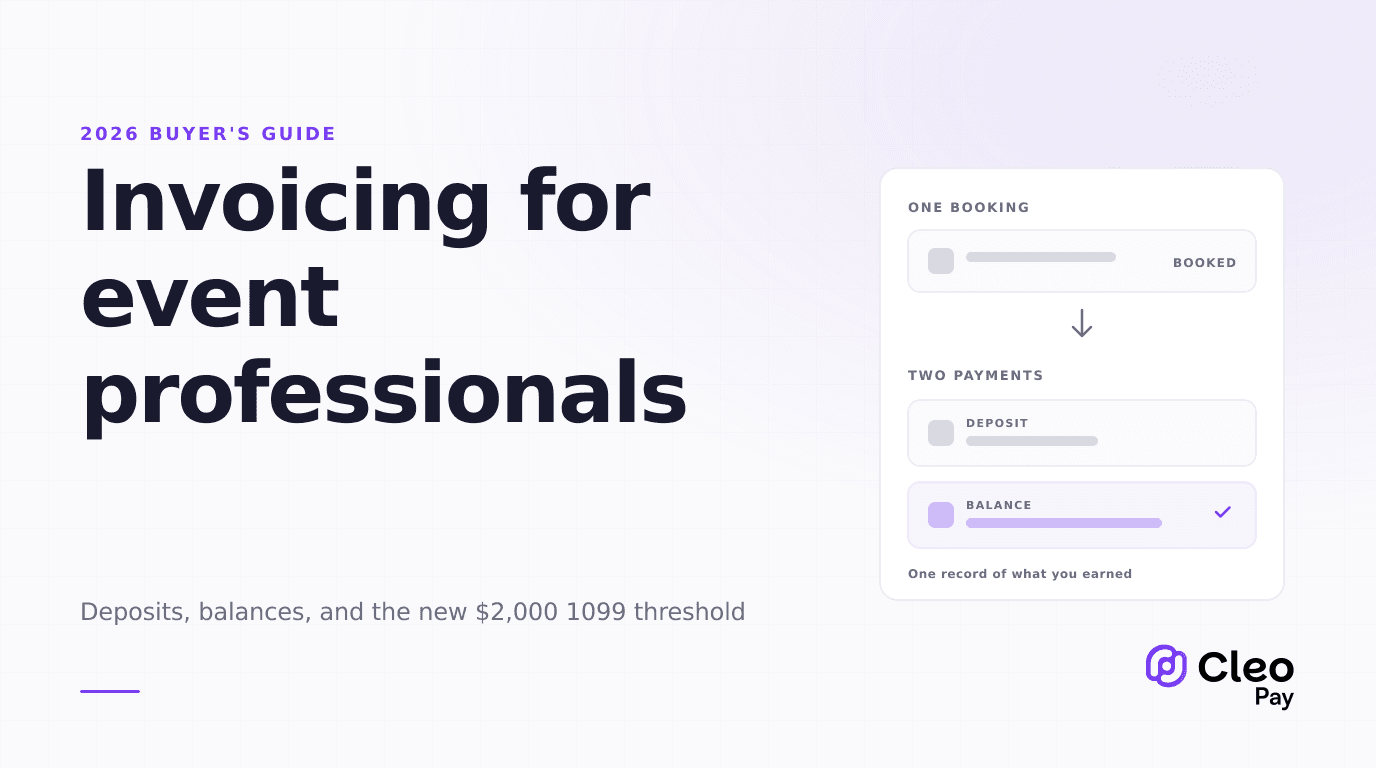
- Deposits and retainers are a separate object. A 50% booking deposit taken in March against an October wedding is not a payment on an October invoice. It is a liability until you perform. Tools that only model "invoice, then payment" force you to either send a fake invoice in March or track deposits in a spreadsheet.
- The payer is often not the person who booked you. A bride books you; her parents pay. A production company books you; the venue's AP department pays. The remittance arrives with a name that matches nothing in your records.
- Settlement happens at the event, not at a desk. Bar percentages, door splits, and overage hours get agreed on site. If your tool cannot take an amount change from a phone at the venue, the number gets written on a napkin and forgotten.
- One client generates many small jobs. Twelve corporate gigs at the same hotel across a year is twelve separate engagements with one payer. Rolling them up matters at tax time, and it matters more now that the hotel may not send you a 1099 summarizing the total.
- Cancellations are normal. Deposits become non-refundable on a schedule. Most invoicing tools have no concept of a partially earned deposit.
Can it tell you, in January, exactly what each client paid you last year, without you rebuilding it from bank statements?
That question used to be answered for you by the stack of 1099s in your mailbox. For a lot of event freelancers in 2026, it will not be.
What actually matters when choosing
Pricing pages will push you toward feature counts. Most of those features are irrelevant to event work. These are the criteria that change your cash position.
Deposits handled as first-class objects
You want to take a booking deposit, hold it against a future event, and have the final invoice automatically net it out. If the tool cannot do this, you will end up either over-billing clients (awkward) or tracking deposits manually (error prone). Ask specifically whether a deposit can be recorded against an event that has no invoice yet.
Payment rails that match the payer
Individuals paying for a wedding behave differently from a hotel AP department paying on net 30. Consumers will pay a card link immediately. Businesses want to pay by ACH or check against an invoice with a PO number on it. A tool that only supports one of those will slow down half your book.
A contract and a deposit in the same send
The single highest-leverage feature in event invoicing is combining the agreement and the deposit request into one link. Bookings get lost in the gap between "sounds great, send me something" and actually paying. Closing that gap to one click is worth more than any reporting feature.
Client and payer records that survive the year
Because fewer 1099s will arrive, you need your own annual totals per payer. Look for the ability to tag every job to a client and pull a per-client total for an arbitrary date range. This is unglamorous and it is the feature you will care about most in April.
W-9 handling in both directions
You will be asked for a W-9 constantly, and if you subcontract (a second shooter, an extra tech, a backline company) you have to collect them too. Our guide to collecting W-9s covers the mechanics. The stakes are concrete: if a payer does not have a valid taxpayer identification number for you, they are required to apply backup withholding at 24%, which means you receive 76 cents on the dollar until it is sorted out.
The categories of tool, and who each one fits
There is no single best answer here, because a solo DJ and a twelve-person AV company have genuinely different problems. Below is how the categories break down on the criteria that matter. Capabilities vary by plan and change over time, so confirm the specifics with any vendor before you commit.
Free invoice generators are fine if you do a handful of gigs a year and your clients are individuals who pay by card. They fail the moment you need records that hold up across a year, or a business wants to pay you by ACH.
General invoicing suites are the accounting-adjacent tools. They are strong on bookkeeping and per-client reporting, weaker on the booking half of the workflow. If you already run books in one of these, adding an event-specific layer on top is often better than switching.
Booking and client platforms are built around the contract-plus-deposit flow and tend to be excellent at it. Their limitation is the other direction: they help you get paid, but they generally do not help you pay the people you hire.
Payments-first platforms treat money movement in both directions as the core object. This matters if you both invoice clients and pay subcontractors, which describes most event businesses past the solo stage.
Decide which one you need
Getting paid faster: the rails, and what they cost
How you get paid is usually decided by the payer, but you influence it by what you offer and how you ask. The four rails you will actually encounter:
- Speed
- 1 to 3 business days
- Cost
- Low, often free to receive
- Best for
- Business payers on net terms
- Speed
- Same business day, by cutoff
- Cost
- Premium over standard ACH
- Best for
- A balance you need before you travel
- Speed
- 5 to 15 days including mail
- Cost
- Low fee, high hidden cost
- Best for
- Payers who will not change
- Speed
- Immediate authorization
- Cost
- A percentage of the total
- Best for
- Individuals and deposits
The rail choice is not neutral for your margin. Card acceptance is the fastest way to close a consumer deposit and the most expensive way to receive a large balance. A useful default is to take deposits by card, because speed of booking matters more than a percentage of a small number, and to push large final balances to ACH.
As a published reference point for what these rails cost on the paying side, BILL listed ACH at $0.59, same-day ACH at $11.99, a mailed check at $1.99, an international wire sent in USD at $19.99, and card payments at 2.9% as of August 2026. Those are payer-side fees on one platform rather than a universal rate card, and payment pricing moves, so check current figures before you plan around them. Our breakdown of same-day ACH versus standard ACH covers when the premium is worth paying.
What Cleo Pay does here
Cleo Pay covers both directions of event money movement. On the getting-paid side, Cleo Pay's invoicing sends a professional invoice, takes card or ACH, and keeps per-client totals, on a Free tier that costs $0. On the paying side, the same account pays your crew and vendors, collects their W-9s, and tracks what you paid each of them across the year, which is the other half of the 1099 problem once you are hiring help.
Paid tiers exist for teams and higher volume. Basic is $99 per month and includes one seat and 15 payments, with additional payments at $3 each. Pro is $299 per month and includes ten seats and 100 payments, with additional payments at $2 each. If you are a solo operator getting paid, the Free tier is the relevant one; the paid tiers are about paying other people at volume.
If you produce events rather than perform at them, our event production page covers the AP side, and closing an event P&L faster covers the reporting problem that follows.
Your 2026 setup checklist
Frequently asked questions
The short version
The 2026 threshold change is not a tax cut and it is not a reporting holiday. It moves record-keeping from the businesses that hire you onto you. If you were relying on a stack of 1099s in January to tell you what you earned, that stack is going to be shorter this year, and the difference has to come from somewhere.
Pick the category that matches your actual constraint. If bookings are the bottleneck, buy the contract-plus-deposit flow. If corporate payers are slow, buy business ACH acceptance. If you are paying crew as well as invoicing clients, buy something that does both. Then spend an afternoon entering the deposits you are holding, and test your annual totals before you need them.
Ready to send your first invoice? Get started with Cleo Pay on the Free tier and see what getting paid looks like when the record keeps itself.