Ask ten travel agency owners what "back office" means and you get ten answers. For one it is the accounting system. For another it is the thing that reconciles commission statements. For a third it is whatever spreadsheet tracks which supplier still owes money on a January sailing that closed in March.
They are all right, which is the problem. Travel agency back office software is one of the last software categories where a single product is expected to do general ledger accounting, booking reconciliation, commission tracking, supplier settlement, and contractor payouts, and where the incumbent tools have been doing it since before the web existed. That makes shopping genuinely hard. The comparison sites in this category rank products they have never run a close in, and almost none of the vendors publish a price.
This guide is for agency owners and back office managers who are actually shortlisting. We cover the jobs the back office has to do, the four categories of tool and where each one fits, the pricing opacity problem and how to work around it, and the tax change that lands on every agency paying independent contractors this year.
Why the travel back office is its own category
Most small businesses can run on a general accounting package plus a payments tool. Travel agencies usually cannot, for four structural reasons.
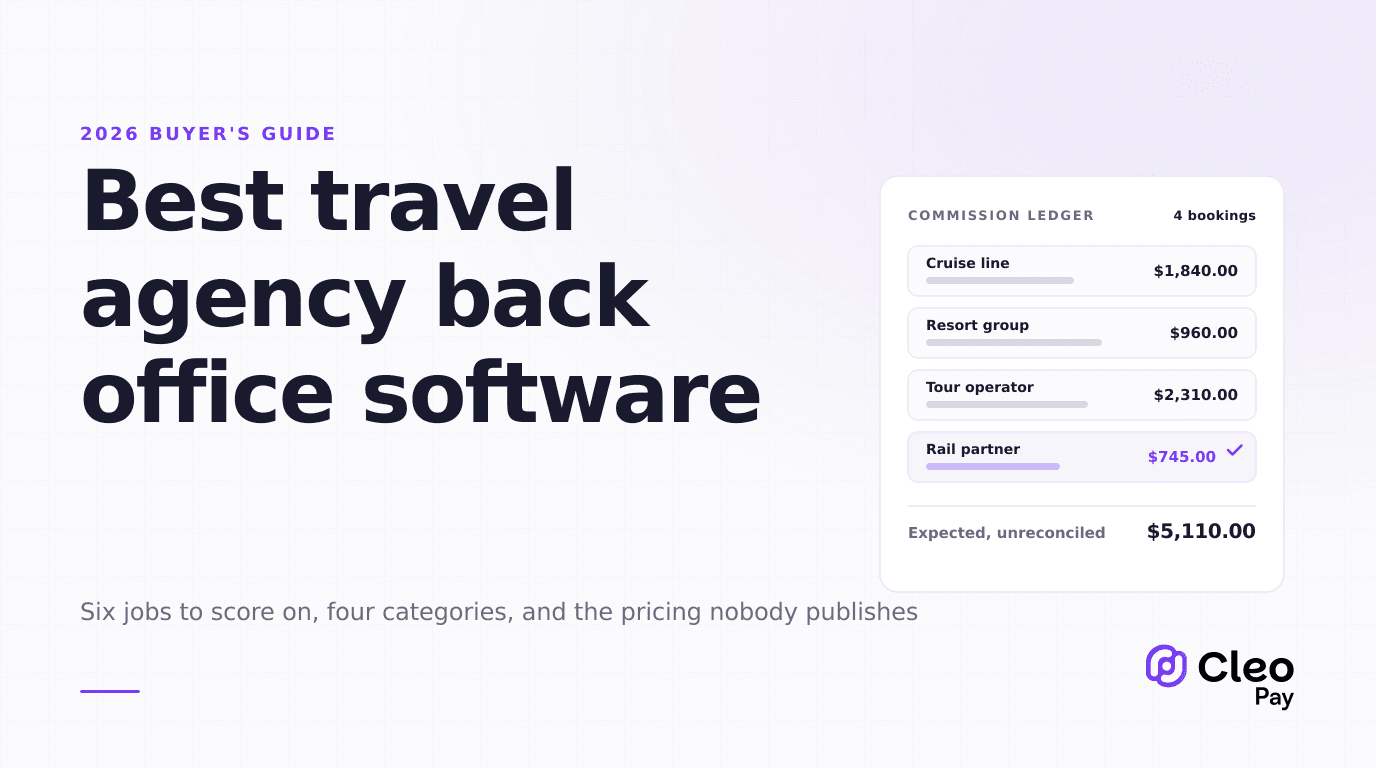
Revenue arrives after the service does, and from someone who is not your customer. A client pays for a cruise in February. The cruise sails in November. The commission lands from the supplier some weeks after that, often in a batch statement covering dozens of unrelated bookings. Your accounting system needs to hold an expected commission against a booking for the better part of a year, then match a lump payment back to its individual bookings. General ledger software has no native concept of this.
A booking is not an invoice. It has a travel date, a deposit schedule, a final payment date, a supplier, a client, possibly multiple travelers, a commission rate, and a cancellation penalty structure. Flattening that into a one line invoice throws away exactly the fields you need to chase money later.
Money moves in three directions. Client funds come in. Supplier payments go out. Commission comes back in, and then a share of it goes out again to an independent contractor agent. Most tools are built for one of those directions.
The GDS is a data source, not an afterthought. Agencies booking through Sabre or Amadeus expect bookings to flow into the back office rather than be rekeyed. That single requirement eliminates most general purpose software immediately.
If the system cannot hold an expected commission against a booking for eleven months and then match a batch supplier statement back to it, it is an accounting package with travel branding.
The six jobs to score on
If you are building an evaluation grid, score on these six rather than on feature counts. Everything else is decoration.
- Booking capture. Does it import from your GDS or booking platform, or does someone rekey? If it imports, how much cleanup does each record need?
- Commission tracking and reconciliation. Can it hold expected commission per booking, then reconcile a batch statement against many bookings at once? Batch reconciliation is where agencies lose the most hours.
- General ledger and reporting. Real double entry accounting, or a reporting layer that then exports to an accounting package? Both are viable. Know which you are buying.
- Supplier and vendor payables. Can you actually pay a supplier from the system, or does it only record that you owe them?
- Agent and contractor payouts. If you run independent contractor agents on a commission split, can the system calculate the split, pay it, and produce the tax paperwork at year end?
- Client funds and card handling. How does the system treat a client card used for a deposit, and does it keep you out of storing card data in places you should not?
Most products are strong on one to three of these and thin on the rest. That is the real shape of the market, and it is why so many agencies end up running two systems.
The four categories of tool
1. GDS-native back office systems
This is the incumbent tier, and Trams Back Office is its center of gravity. TBO has been the travel industry's back office accounting and reporting system for more than 40 years, covering commission tracking, accounts receivable and payable, general ledger, and financial reporting, with direct integration into GDS systems including Sabre and Amadeus. ClientBase, the front office and CRM counterpart, is integrated with TBO so front, mid, and back office processes connect.
Worth knowing before you shortlist: the ownership has moved. Sabre acquired Trams in 2006, then later sold it to Tres Technologies, the firm founded by Lee Rosen, who founded Trams and sold it to Sabre in the first place. Rosen has been developing a newer back office system under the Tres banner while continuing to support Trams Back Office, ClientBase, and ClientBase Marketing Services for agencies that still want them.
That history matters in both directions. The continuity is real, and so is the fact that you would be buying a product with a successor being built alongside it. Ask directly about the roadmap and the migration path. Other products in this tier include Collins Navigator, which covers accounting, general ledger, and payables and receivables for agency back offices, and SSI The Travel Office, which covers financial management, booking reconciliation, and business intelligence.
Fits: established agencies with GDS volume, a bookkeeper who knows travel accounting, and a tolerance for older interfaces. Struggles with: agencies with no GDS volume, teams who expect modern UX, and anyone who wants to pay suppliers from inside the system.
2. Modern all-in-one agency platforms
This tier sells consolidation. Tern, for example, positions itself as replacing CRM, scheduler, itinerary builder, back office tools including TESS, Trams, ClientBase, and VacationCRM, plus forms and email marketing. Ezus takes a project-shaped approach, where a visual itinerary builder feeds a budgeting module that handles margins, multi-currency rates, and VAT in real time, and documents such as proposals, programs, vouchers, and invoices generate in one click with agency branding. PenAir unifies CRM with mid and back office operations, covering bookings, itineraries, payments, supplier reconciliation, and reporting. TravelWorks is a cloud back office accounting product covering invoicing, payment tracking, and commission management with GDS integrations. TRAACS covers mid and back office for travel agents.
The consolidation pitch is genuinely attractive for agencies currently running four tools. The tradeoff is depth. A platform that does CRM, itineraries, and accounting is unlikely to have the deepest commission reconciliation in the market, and switching costs compound because you are moving every function at once.
Fits: leisure and luxury agencies, tour operators, and DMCs that want one system and are willing to trade some accounting depth for it. Struggles with: agencies with an entrenched bookkeeping process or unusual commission structures.
3. General accounting plus bolt-ons
QuickBooks or Xero for the ledger, a spreadsheet or light tool for commission tracking, and something separate for payments. A surprising number of profitable agencies run this way, and it is not automatically wrong. It is cheap, your accountant already knows it, and it does not lock you in.
It breaks at a predictable point: when the commission tracking spreadsheet gets big enough that nobody trusts it, or when the person who maintains it takes a week off. If you can name the person who is the single point of failure for commission reconciliation, you have already outgrown this tier.
Fits: independent advisors and small agencies under a few hundred bookings a year. Struggles with: batch statement reconciliation, contractor splits, and audit trails.
4. The payments layer
This is the newest tier and the one most often missed in comparison articles, because it is not a back office system. It sits next to one. The back office decides what is owed. The payments layer moves the money, collects the tax paperwork, and writes the result back to the ledger.
Agencies reach for this when the back office system tracks obligations well but cannot execute them: it knows you owe a supplier and owe three contractor agents their split, and then a human opens a bank portal. Cleo Pay sits in this tier, alongside general business payables tools such as BILL, whose pricing we break down in our BILL pricing and alternatives guide.
Fits: agencies whose back office record keeping is fine but whose payment execution and 1099 process is manual. Struggles with: being a substitute for booking capture or commission tracking. It is not one.
The pricing problem, and how to work around it
Here is something the ranked listicles will not tell you plainly: almost nobody in travel agency back office software publishes a price. We went looking across vendor sites and software directories for this guide and could not verify a current published price from the vendors themselves for the major back office products. What circulates instead is third-party directory listings, and those disagree with each other often enough that quoting them would be worse than useless to you.
That opacity is not an accident. Pricing in this category usually depends on agency size, booking volume, GDS connections, number of branches, and whether you need implementation and data migration. Vendors quote because the inputs genuinely vary.
Four things to demand in writing before you sign:
- The all-in first year number, including implementation, data migration, and training, not just the recurring licence.
- What happens when you add a seat or a branch, as a specific dollar figure rather than "we can discuss it."
- Data export terms. Can you get your bookings, ledger, and commission history out in a usable format, and at what cost? This is the single most expensive thing to discover late.
- Payment fees, if the system moves money, separately from the subscription. Subscription and transaction cost are different budget lines and vendors often quote only the first.
For contrast, our own pricing is public: Cleo Pay runs a free tier for vendors and contractors receiving payments, Basic at $99 per month covering 15 payments with additional payments at $3 each, Plus at $199 per month covering 50 payments at $2.50 each additional, and Pro at $299 per month covering 100 payments with 10 team seats at $2 each additional. The full grid is on the pricing page. We publish it because a payments layer has far fewer variables than a full back office implementation, not because the other vendors are hiding something sinister.
The 2026 change that affects every agency with contractor agents
If you pay independent contractor agents a commission split, one number changed this year and it changes your year end work.
The One Big Beautiful Bill Act, signed on July 4, 2025, raised the reporting threshold under Internal Revenue Code Section 6041 from $600 to $2,000. It applies to payments made after December 31, 2025, so it is in effect for the 2026 tax year with no phase-in, and the threshold is indexed for inflation from 2027 onward. The backup withholding threshold moved up with it.
When you evaluate a back office system, ask specifically whether it tracks cumulative annual payments per contractor, or only per transaction. A system that shows you individual payouts but cannot total them by payee by tax year has quietly handed that job back to a spreadsheet.
Which category fits your agency
Red flags in a back office demo
Five things that reliably predict a painful implementation.
The demo uses their data, not yours. Any system looks clean on a curated dataset. Send a real commission statement and a real month of bookings ahead of the call and ask them to run it.
Nobody can answer the export question. If the person on the call cannot tell you what happens to your data when you leave, escalate until someone can, and get it in writing.
Commission reconciliation is shown one booking at a time. That is a demo, not a workflow. Ask to see fifty bookings matched against one statement.
Implementation timeline is quoted without seeing your data. Migration effort is a function of how messy your current records are. A confident timeline before anyone has looked at your database is a sales number.
Payments are described vaguely. "We integrate with your bank" can mean anything from real payment execution to generating a file you upload yourself. Ask exactly what the system does and what a human still does.
Where the payments layer actually helps
To be clear about our own position: Cleo Pay is not a travel agency back office system, and an article that told you otherwise would be wasting your time. We do not import from a GDS and we do not reconcile commission statements.
What we do is the sixth job on the list, and part of the fifth. Supplier payments and contractor agent payouts get executed rather than recorded, W-9s get collected before the first payment rather than chased in January, cumulative totals per payee are tracked across the tax year, and the result syncs back to QuickBooks. For agencies whose commission tracking is working fine and whose actual pain is a bank portal and a spreadsheet of agent splits, that is the gap worth closing, and it does not require ripping out a back office that works.
If commission payout mechanics are your specific problem, our guide to commission payout software for host agencies goes deeper on that one job. If the client card side is what keeps you up, start with client credit card storage for travel agencies and card authorization forms, or see how the vault works for travel agencies.
Start here
The shortest useful path through this category: write down which of the six jobs is costing you the most hours this month, pick the category that owns that job, and demo only that category. Agencies that shop the whole market at once tend to buy the product with the best demo rather than the one that fixes their actual bottleneck.
If the job costing you hours is paying suppliers and contractor agents, and getting the tax paperwork right before year end rather than during it, that is the piece we build. You can get started with Cleo Pay on a plan that matches your payment volume, and keep the back office you already have.