
Revenue, split the way you actually sell
Food, non-alcoholic beverage, liquor, beer, and wine as separate accounts, plus catering and banquet, delivery and off-premise, cover and service charges, and a discounts and comps contra account.
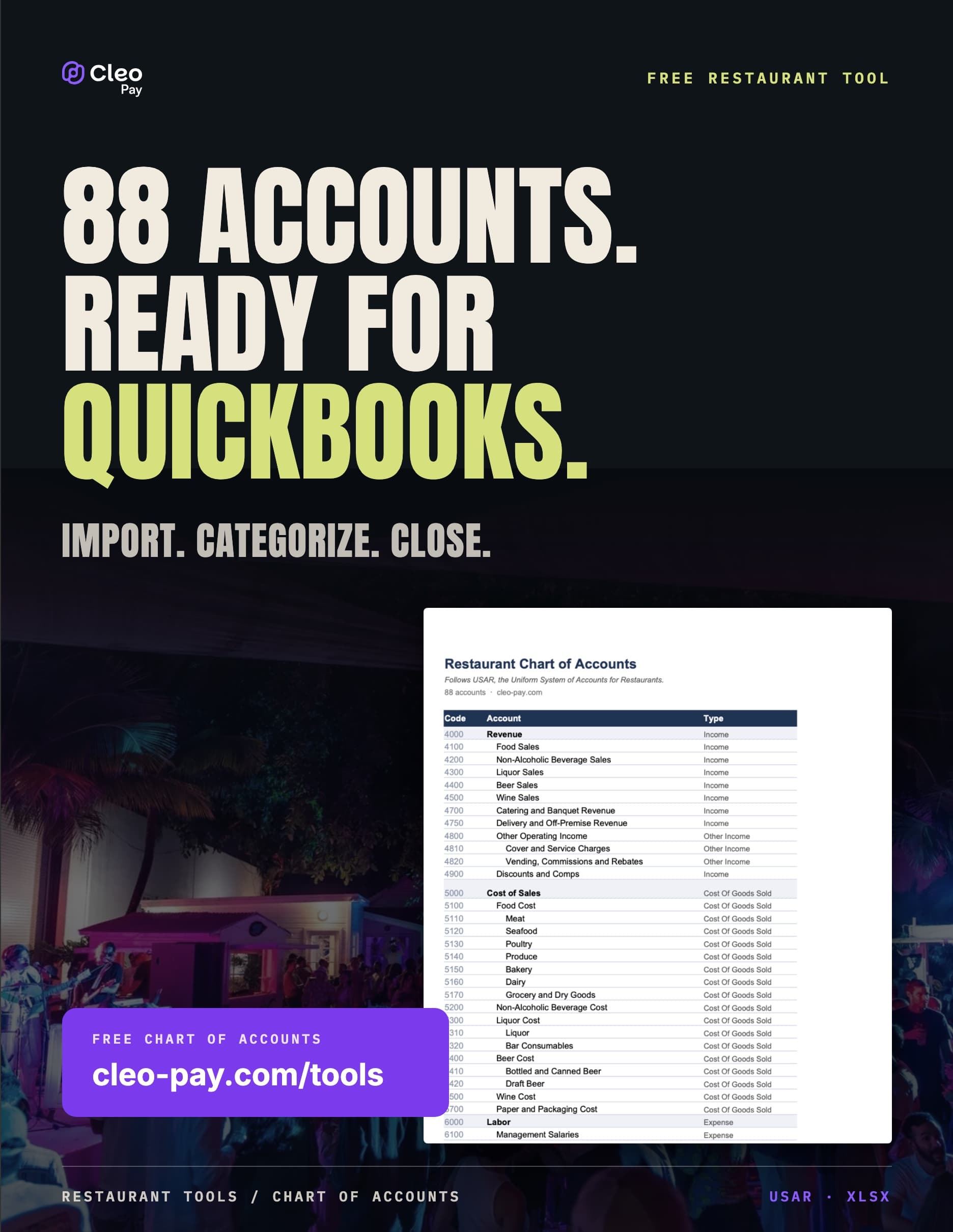
An 88-account chart that follows USAR, ready to import into QuickBooks.
A complete restaurant chart of accounts built on USAR, the Uniform System of Accounts for Restaurants. Revenue split by daypart and category, cost of sales broken out so you can actually see food cost, and labor separated front of house from back of house.
Tell us where to send it. Free, no watermark.
Most restaurant books are unreadable because the chart of accounts was improvised. Revenue lands in one bucket, food and liquor cost share an account, and labor is a single line, so prime cost has to be rebuilt by hand every month. Starting from the USAR structure means your P&L is legible on day one and comparable to every benchmark published for the industry.
Food, non-alcoholic beverage, liquor, beer, and wine as separate accounts, plus catering and banquet, delivery and off-premise, cover and service charges, and a discounts and comps contra account.
Food cost broken into meat, seafood, poultry, produce, bakery, dairy, and grocery, with liquor, beer, and wine costed separately. You cannot manage a food cost percentage you cannot see, and a single 'Cost of Goods Sold' account hides it.
Management salaries, back of house wages, front of house wages, contract and temporary labor, and employee benefits and payroll taxes as distinct lines, so prime cost is a number you can read rather than one you have to reconstruct.
Every account carries its standard code and QuickBooks account type, so the import maps cleanly and your P&L is comparable against industry benchmarks instead of being bespoke to your bookkeeper.
Vendor invoices are captured, coded to your chart of accounts, routed for approval, and synced to QuickBooks. The structure you import today is still intact a year from now.
See all six chart of accounts templates